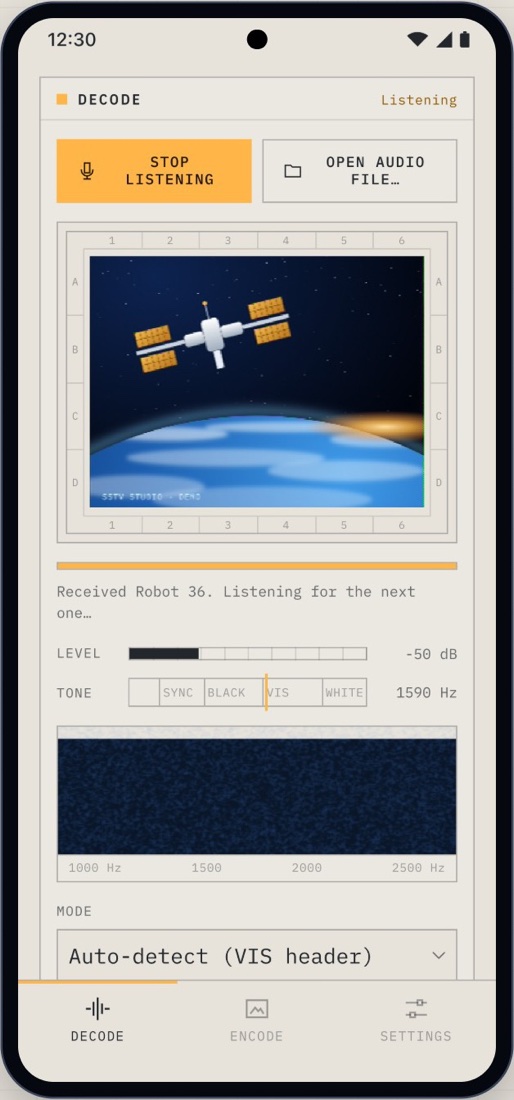
Slow-scan TV · iOS · Android · Web
Pictures from the air, on your phone.
Hold your phone to the radio and watch an SSTV picture build line by line. Or turn any photo into SSTV audio and play it through the speaker. Martin, Scottie, Robot and PD modes, detected automatically.
- Modes
- 14
- Martin · Scottie · Robot · PD
- Decode
- Live
- from the microphone or an audio file
- ISS
- Tracker
- passes, Doppler and antenna pointing
- Processing
- On device
- no accounts, no ads
01 / Decode
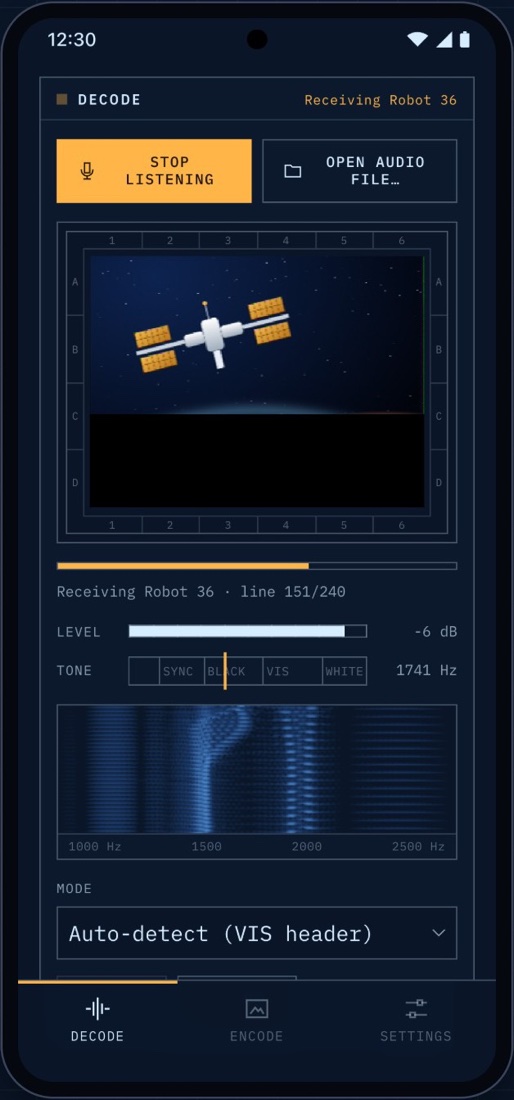
Hold it to the radio. The picture builds line by line.
SSTV is how radio amateurs exchange pictures on HF and VHF, and how stations in orbit sometimes send images down to Earth. SSTV Studio works with any receiver whose audio you can hear.
- Listen or open a fileDecode live from the microphone, or a recorded WAV, MP3, OGG or FLAC.
- Automatic mode detectionThe mode is read from the VIS header. Missed the start? Pick the mode and start by hand.
- Slant correctionThe decoder fits the sync pulses to recover the sender's true line rate, so sound-card clock mismatches don't skew the picture.
- Tuning aidsA level meter, a tone indicator and a spectrum waterfall.
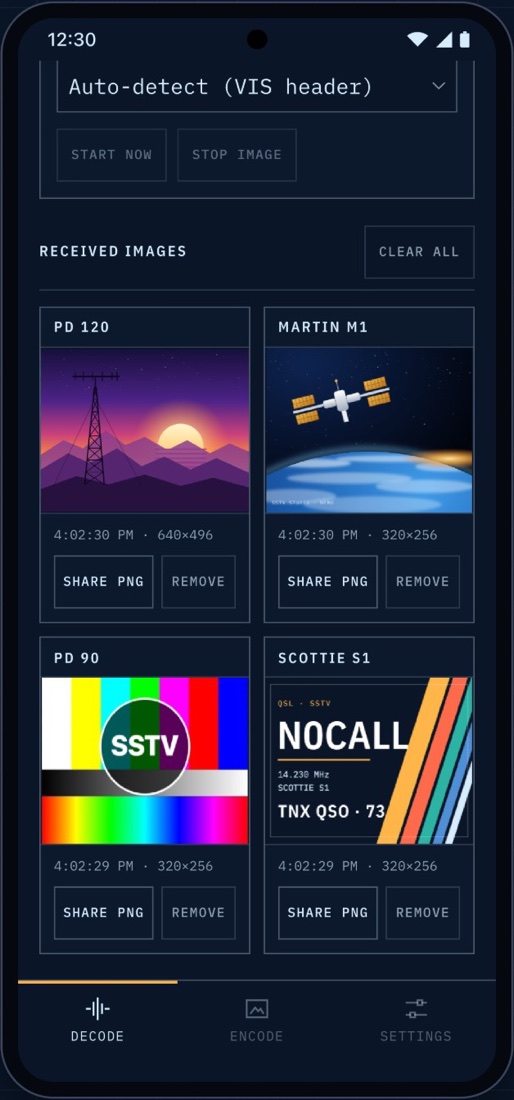
- GalleryReceived pictures collect in a gallery; save or share them as PNG.
02 / Encode
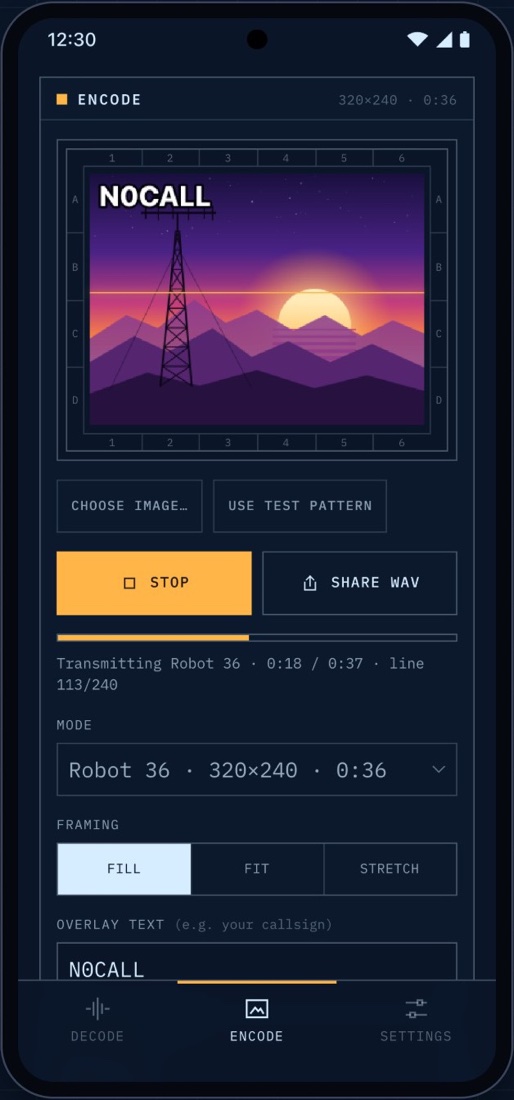
Send your own pictures as sound.
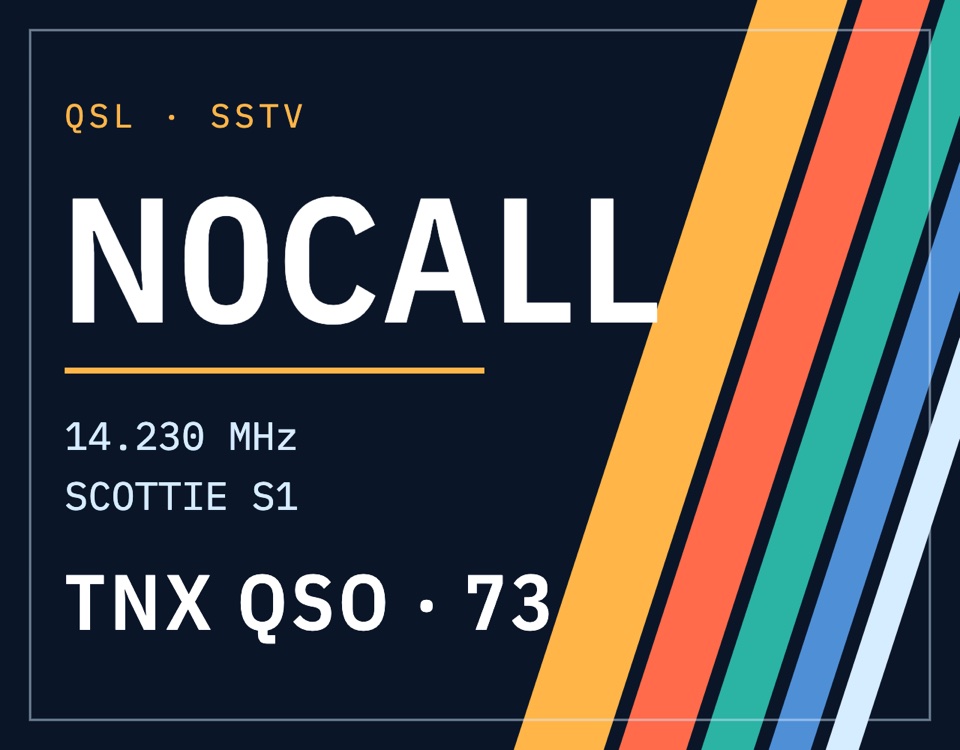
Choose a photo or the built-in test card, fit it to the mode's resolution, add your callsign, and play it through the speaker with a live scan line. Or share a 16-bit WAV at 44.1 or 48 kHz.
14 modes
| Martin | M1, M2 |
|---|---|
| Scottie | S1, S2, DX |
| Robot | 36, 72 |
| PD | 50, 90, 120, 160, 180, 240, 290 |
Timings follow the N7CXI Dayton paper and the slowrx and MMSSTV mode tables. Optional VOX tones before the VIS header, and fill, fit or stretch framing.


03 / ISS tracker
Catch the space station's SSTV.
The ISS tab is built for ARISS SSTV events on 437.550 MHz. It tells you when the station passes over, where to point, and what frequency to tune as Doppler shifts the signal.
-
Live orbit
The station's position, ground track and footprint, propagated with SGP4 from CelesTrak's element set and cached for offline use.
-
Passes over you
Azimuth, elevation and range for each pass, from your device location or a typed Maidenhead grid square.
-
Doppler steps
The frequency to tune, step by step through the pass, from 437.560 down to 437.540 MHz.
-
Point with the phone
Strap the phone to a handheld Yagi: the compass and tilt sensors, corrected with the World Magnetic Model, guide you onto the station. A 3D how-to shows the whole setup.
04 / Engineering
Private by design. Tested against other decoders.
Everything happens on the phone. Microphone audio is decoded on the device and never recorded or sent, and the location never leaves it. The DSP modules don't touch the DOM, so the browser and the Node test suite run exactly the same code.
- Encode-to-decode round trips for every mode at 44.1 and 48 kHz, with added noise and a sample-rate mismatch of up to 0.5 %.
- Interop checked against the independent
sstvandpySSTVPython packages, in both directions. - The orbit maths checked against NOAA's World Magnetic Model test values and an independent look-angle computation.
- English and Brazilian Portuguese, with a test that every message exists in both.
- Dark blueprint and light paper themes that follow the phone.
Built with
- JavaScript (no build step)
- Web Audio + AudioWorklet
- Capacitor 8
- satellite.js (SGP4)
- three.js
- Node test suite